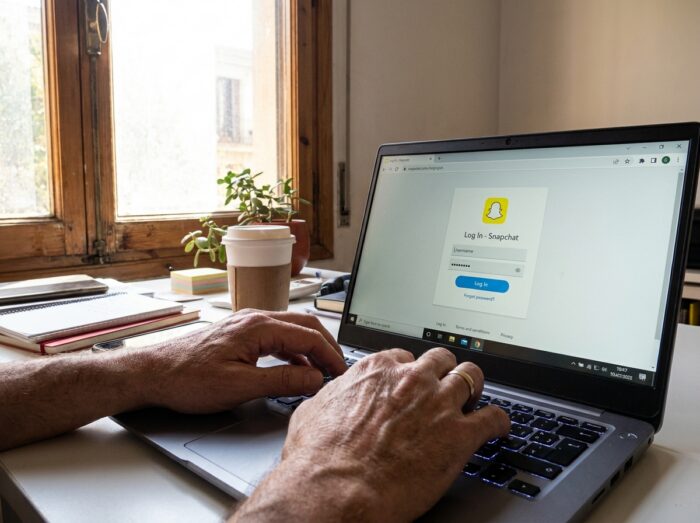
You open Snapchat on a new phone, the app asks for the password, and you realize you never memorized it. The browser offers nothing in autofill, and the old device is out of service. This is the most common situation, and the legitimate options to regain access are few but effective if applied in the right order.
Snapchat Access Keys: The Method That Replaces the Password
Snapchat is now promoting access keys as the primary authentication method, according to the official help center of the platform. An access key is a digital identifier linked to your device or a password manager, designed to resist phishing and eliminate the need to remember a password.
Specifically, if you had set up an access key before losing your password, you can log in using Face ID, fingerprint, or device unlock code. No password to enter. To check if an access key is already active, go through the account settings, section “My Account,” then “Access Key.”
This approach changes the game for those who want to access a Snapchat account without a password legitimately, as it removes the password from the authentication process. Feedback varies on compatibility across devices, but most recent smartphones running iOS and Android support this feature.
Resetting Your Snapchat Password: Order of Operations
When you haven’t set up an access key, the classic reset remains the necessary step. Snapchat offers two recovery channels, and the order in which you use them matters.
By SMS or Email from the Web Portal
The procedure goes through accounts.snapchat.com. You enter the phone number or email address associated with the account, then click on “Forgot Password.” Snapchat will then send a one-time password via SMS or email.
One point that many overlook: if you changed your phone number without updating your Snapchat account, the SMS goes to the old number. In this case, only the email option works. Make sure you have access to the email linked to the account before starting the procedure.
Without Email or Phone: Contact Support
If you have no access to the registered email or phone number, the only legitimate route is Snapchat support. The platform will then ask you to verify your identity by other means. This process takes time and doesn’t always succeed, but it is the only option compliant with the terms of use.
Here are the elements to gather before contacting support:
- The exact username of the account (not the display name, but the username you log in with)
- The email address or phone number initially associated, even if you no longer have access to them
- The approximate date of account creation and the model of the last device used
Password Manager: Check Before Any Other Steps
Before initiating a reset, a simple step is often forgotten. Check your password manager or the keychain integrated into your operating system. On iOS, iCloud Keychain automatically stores credentials if the feature was enabled. On Android, the Google password manager serves the same purpose.
You can also check the saved passwords in your browser. On Chrome, just go to settings, then “Passwords and Autofill,” and search for “snapchat” in the search bar. Firefox and Safari have equivalent features.
This check takes less than a minute and avoids unnecessary resetting. If the password is found here, you can log in directly and then set up an access key to no longer rely on the password in the future.
Monitoring Apps and Hacking Snapchat: What the Law Says
Searches like “hack Snapchat” or “mspy Snapchat” frequently appear in search engine suggestions. Accessing someone else’s Snapchat account without their consent is illegal, regardless of the tool used.
In France, unauthorized access to a computer system is punishable under the Penal Code. Monitoring applications presented as parental control tools can only be legally used on the account of a minor for whom you are the legal guardian, and under certain conditions.
The framework is also tightening at the European level. Several countries are considering restricting minors’ access to social networks, with obligations for platforms to prevent minors from communicating with strangers and to limit live broadcasting. These developments are pushing Snapchat and other platforms to strengthen their identity verification mechanisms, further complicating any unauthorized access.
Securing Your Snapchat Account After Recovery
Regaining access is pointless if you find yourself in the same situation three months later. Once reconnected, three concrete actions can protect the account long-term:
- Set up an access key from the account settings, under “My Account” then “Access Key,” and follow the app’s instructions
- Enable two-factor authentication (2FA) to add an extra layer of verification beyond the password
- Update the phone number and email address associated with the account to ensure access to recovery channels
- Never share your password, even with people claiming to represent Snapchat (an official representative will never ask for this information)
The combination of access key and 2FA makes the account resistant to phishing and password theft. This is the most robust configuration Snapchat offers to date, and it only takes a few minutes to set up.