
We are in the middle of the license entry period, the district is waiting for the lists, and Footclubs refuses to let us in. The password no longer works. Before frantically clicking on “Forgot password,” it is essential to understand why the login is failing, because the standard reset does not solve all cases.
Classic Footclubs account or SSO FFF migration: identifying the right portal
The majority of the blocks we encounter at the club do not come from a forgotten password. They come from a account migrated to the SSO FFF without the user knowing. When the FFF switched certain accesses to its single sign-on system, the old Footclubs recovery form stopped working for these accounts.
Specifically, if we attempt a reset on the usual Footclubs login page and no email arrives, it is likely that the account now depends on sso.fff.fr. The recovery procedure then goes through the dedicated SSO page, not the old form.
To know where we stand, we look at the address in the browser’s address bar at the time of login. If we are redirected to a URL that starts with sso.fff.fr, the account has migrated. If we remain on footclubs.fff.fr, we are still on the old system. This detail changes everything for what comes next, and when we have already experienced a lost password on Footclub login FFF, we know that this check saves time.
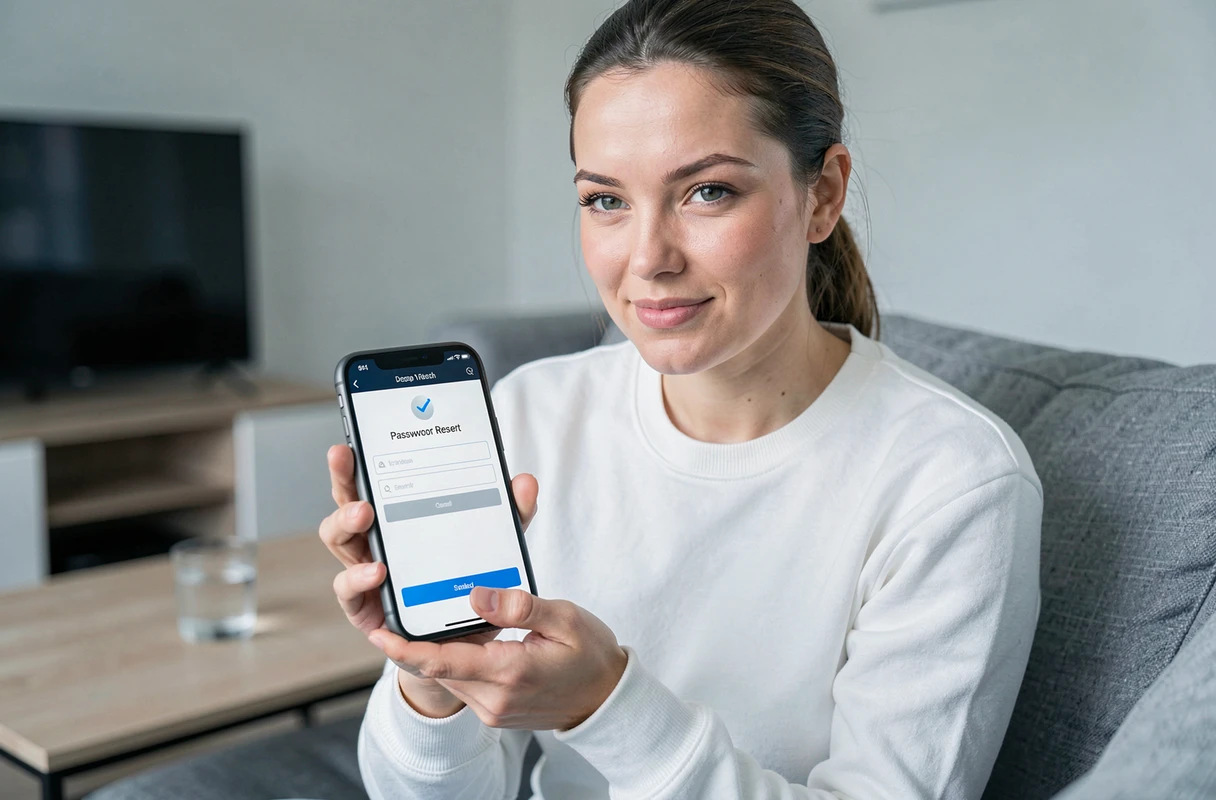
Resetting the Footclubs password via the SSO FFF form
Once we have identified the right portal, the procedure itself remains simple. The SSO FFF form only asks for one piece of information: the email address linked to the account. No license number, no club name.
Concrete steps on sso.fff.fr
- Access the login page and click on the “Forgot password” link (or go directly to the SSO FFF password recovery page)
- Enter the email address associated with the Footclubs account, the one declared when creating the profile or during migration
- Wait for the email containing the reset link, then click on it within the given timeframe
- Choose a new password and confirm
The reset link has a limited validity period. If we wait too long before clicking, we will need to restart the procedure from the beginning.
The reset email is not arriving
This is the most common trap. The automated emails sent by the FFF platform often end up in spam or junk folders, especially on email services that filter aggressively (Outlook, Yahoo, certain Gmail configurations).
Before resending the request, we systematically check the spam folder. We can also add the sender to our contact list for future attempts. If after two attempts spaced a few minutes apart nothing appears, the problem is likely elsewhere.
Outdated email address or blocked account: when the reset is not enough
A forgotten password can be reset. But an account linked to an email address that is no longer in use is another problem. If the former club manager created the account with their personal email and has left, the recovery form will send the link to a box that no one checks.
In this case, the only solution is to go through administrative support. We contact our league or district directly to request the modification of the email address associated with the account. Response times vary depending on the districts, but the process remains the same everywhere.
Situations that require going through support:
- The email address of the account belongs to a former manager who can no longer be reached
- The account has been blocked after several unsuccessful login attempts
- The profile was created with a typo in the email address (a classic)
Preventing the next blockage on Footclubs: good management practices
Let’s not kid ourselves: most clubs go through this hassle every start of the season. The person managing the licenses changes, the password is noted on a post-it that has disappeared, or the club’s email service has changed providers.
The first thing to do after a successful recovery is to update the email address of the account with a permanent club email, not that of an individual. A generic address like [email protected] or [email protected] ensures continuity even when the team changes.
Next, we note the credentials in a shared space accessible to authorized club members. A simple document protected in the club’s drive will suffice. The browser can also remember the password, but that does not replace a shared written record, especially if several volunteers are involved on the platform during the license entry period.
Last point to check: the browser used to access Footclubs. Some outdated or poorly updated browsers cause login errors that resemble a password issue when the problem is technical. Using a recent browser and clearing the cache when the login page behaves strangely avoids many false alerts.
Managing Footclubs access may seem secondary compared to organizing matches and communicating with licensees. But a blocked access at the wrong time means a season that starts late on registrations. It’s better to resolve the issue once and for all at the beginning of the season than to endure it every year.